Area capture
Drag it, and it's on your clipboard
Let go and it's captured to your clipboard. Move it with Space, nudge it with the arrow keys.
 1.0.0is out — capture to recording in one app
Press a shortcut, drag an area, and it's on your clipboard. Annotate, polish and record, all in HiCapture.
macOS 14 or later · Apple Silicon · Intel
It waits in the menu bar until a shortcut calls it up. Some of the screens below you can try for yourself.
Area capture
Let go and it's captured to your clipboard. Move it with Space, nudge it with the arrow keys.
Window capture
The window under the cursor snaps into place. Attach the frame to take just part of it.
Decorate background
Add padding, corners and a shadow on 20 wallpapers, or tilt it in 3D.
Color picker
Pick a pixel with the magnifier and its #RRGGBB code lands on your clipboard.
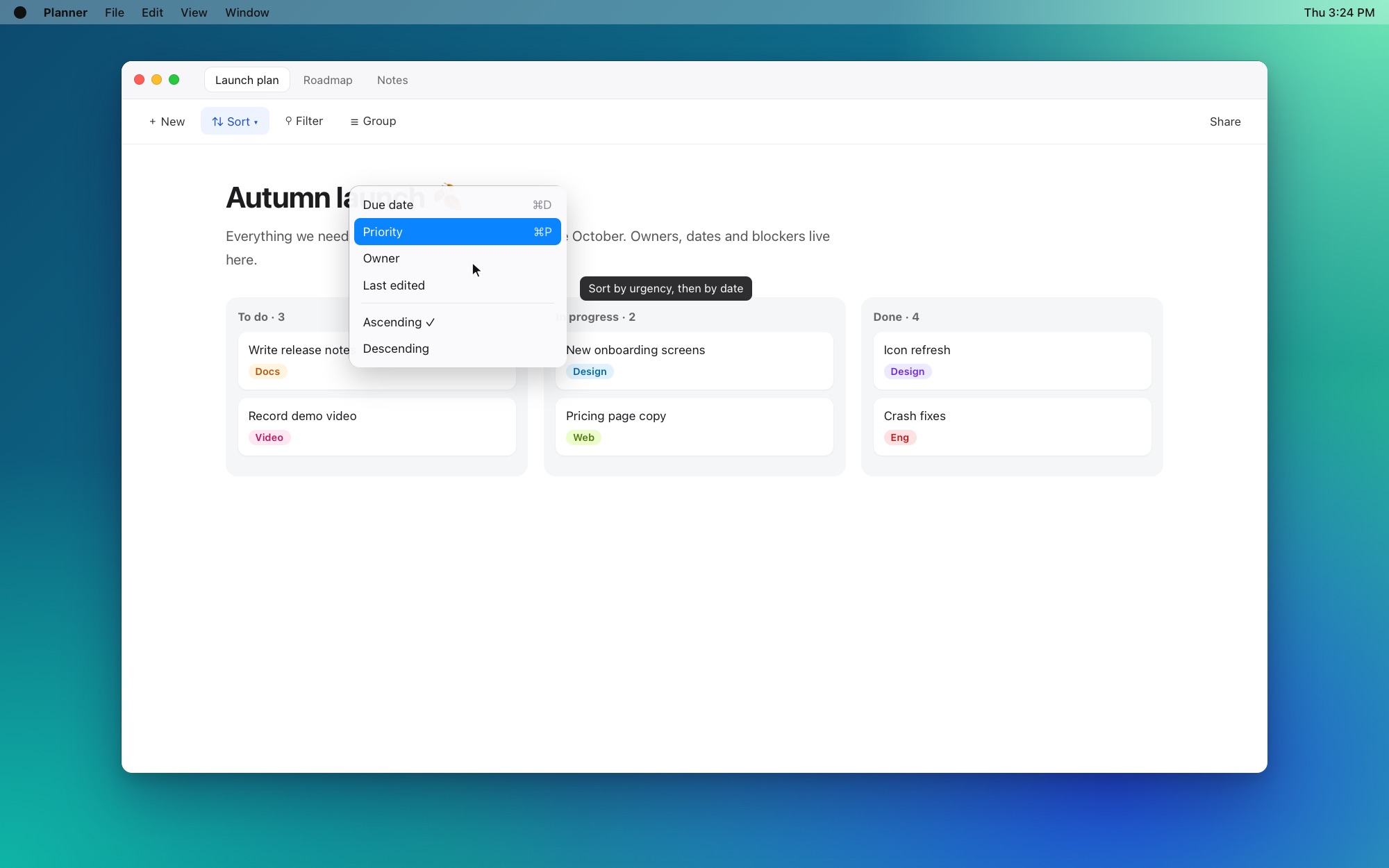
Capture editor
Click the preview to jump into the editor. Switch tools with single-key shortcuts.
Pinned area
Leave the frame up and every ↩ takes the same spot. The tabs below switch to recording.
Draw on screen
Mark up any display, then use your apps with the drawing still up.
Quickslot wheel
A wheel pops up at your cursor. Flick toward a mode and let go to start it.
Text extraction
Drag over any text to copy it as-is. Even text in photos or text you can't select.
Freeze screen
The screen freezes the moment you press. Open menus and fleeting tooltips stay put.
Preview
A preview appears in the bottom right. Click to edit, swipe away, or drag out a file.
Your way
Change any shortcut, or turn them off one by one. Save as PNG, JPEG or WebP.
Stop recording and the video editor opens right away. Clicks zoom in on their own — a walkthrough with no extra work.
Zooms in where you click and follows the cursor. Adjust segments on the timeline.
Shaky moves redrawn smoothly, a ripple per click.
Split with S, trim the edges, set each clip's speed.
System sound and mic each get their own track.
The ⌘ · ⌥ · ⌃ combos you press show up in the video.
MP4, WebM or GIF, with platform presets. Or copy it straight to the clipboard.
Every capture and editing feature is free. One lifetime license unlocks screen recording and the video editor.
$0Free forever
$14.99One-time payment · No subscription
One license works on one computer. Switch computers and you can move it over.
Step-by-step guides to capturing and recording with HiCapture.
Capture an area, window or pinned frame, then mark it up in the editor.
Record from the frame, then refine and export in the video editor.